3D Mascot
3D Mascot
Spline 3D model
This self-initiated project involved transforming a 2D logo I designed into a 3D animated mascot using the software Spline. It was an amazing learning experience, exploring how to bring creative ideas to life through existing 3D tools.
This is a self project of creating a 3D Mascot of a brand logo from
TIMELINE
Nov - Dec 2023
Role
Graphic Desinger
Product Designer (3D)
TOOLS
Figma
Spline
DISCIPLINES
3D modelling
Graphic Designing
Ideations
The concept is to design a logo featuring a toffee with added elements like eyes to give it a lively yet minimalistic feel, ensuring it makes a lasting impression at first glance.
The concept is to design a logo featuring a toffee with added elements like eyes to give it a lively yet minimalistic feel, ensuring it makes a lasting impression at first glance.
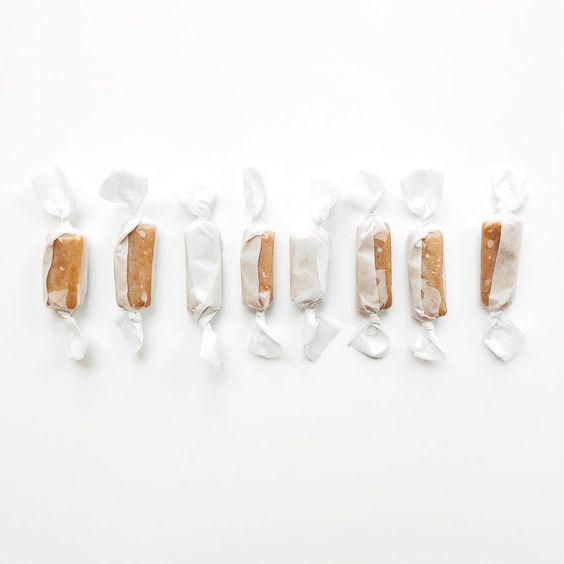
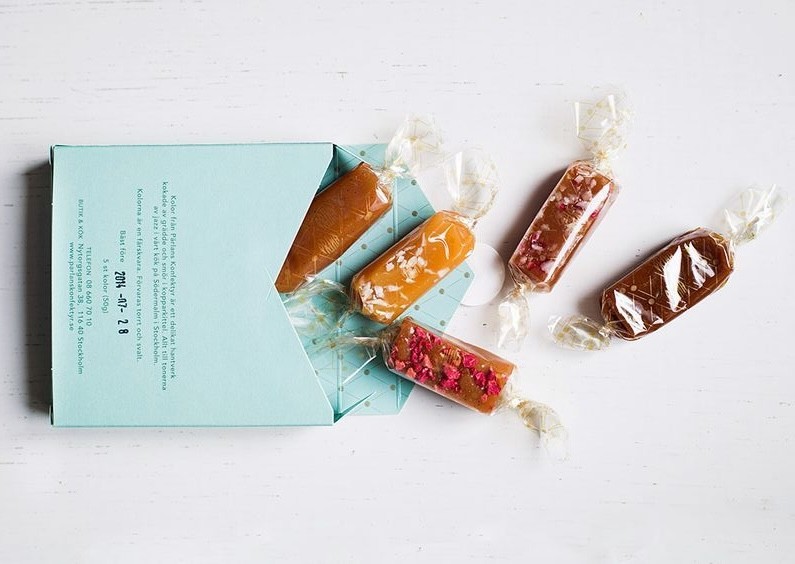
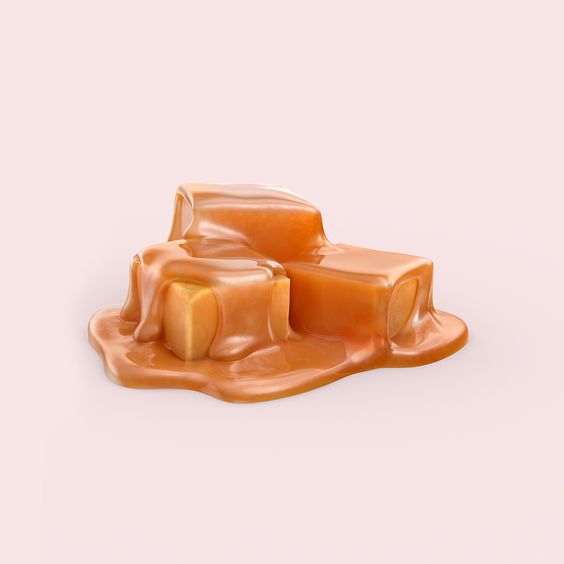
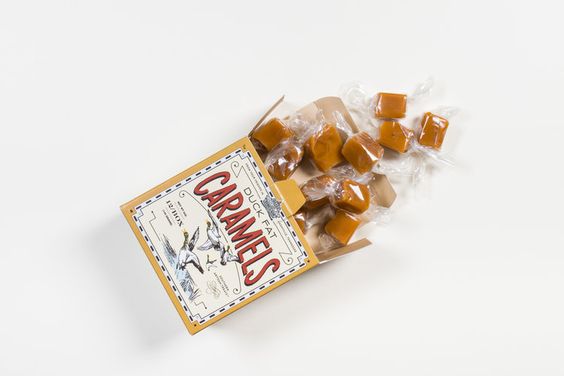
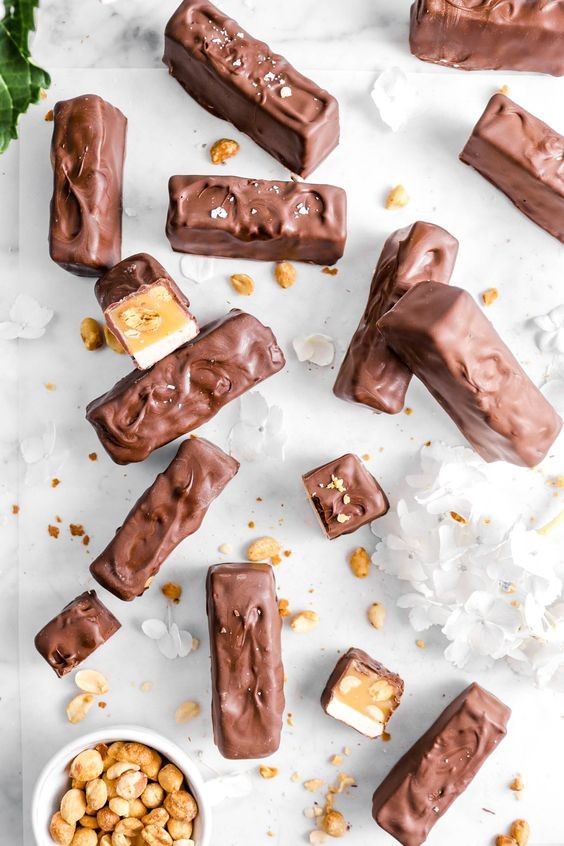
Real world Toffee references for logo sketching
Real world Toffee references for logo sketching
Sketches
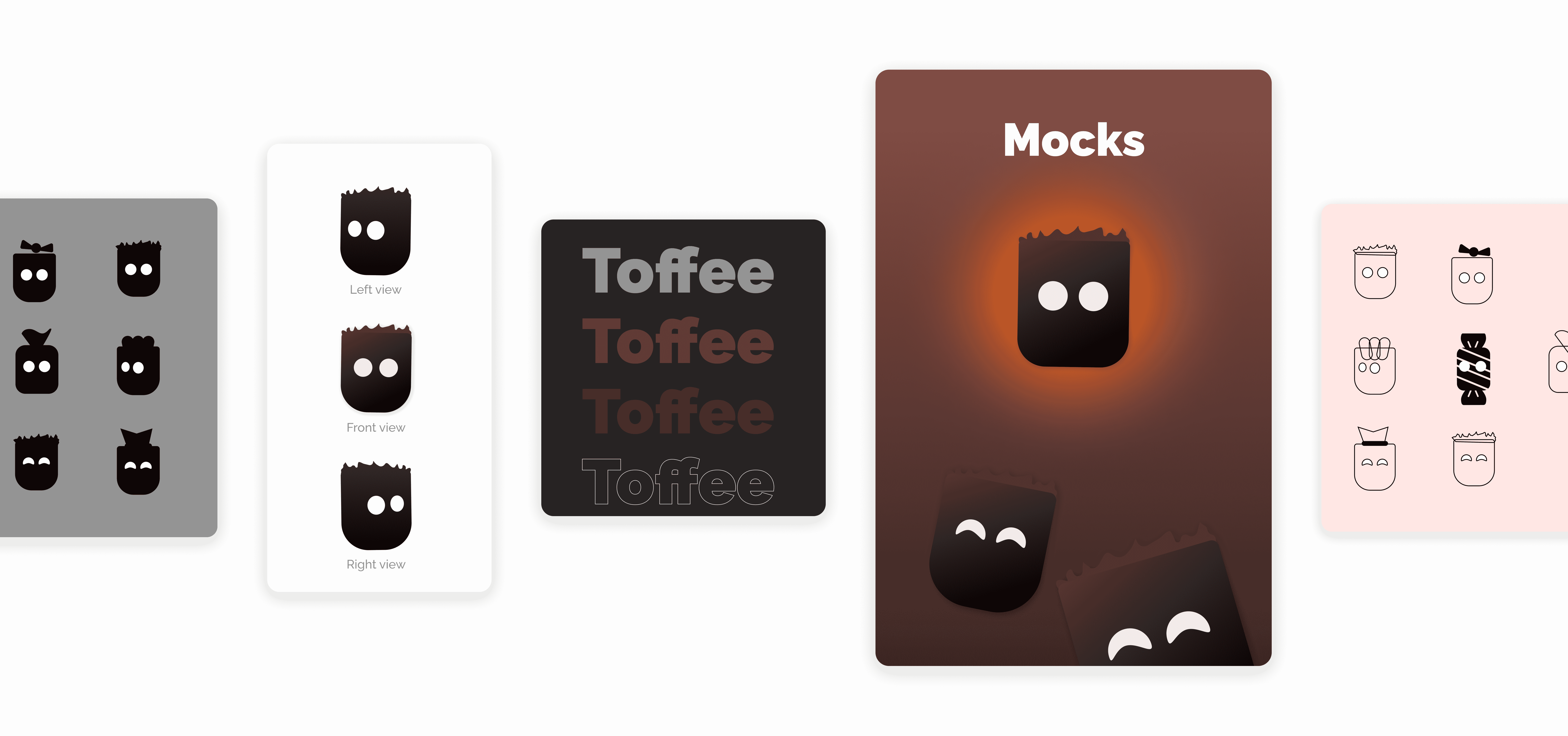
A simple sketch was initially created in Figma using the pen tool, with several variations explored before finalizing the design.
A simple sketch was initially created in Figma using the pen tool, with several variations explored before finalizing the design.
Final Logo Design
Final Logo Design
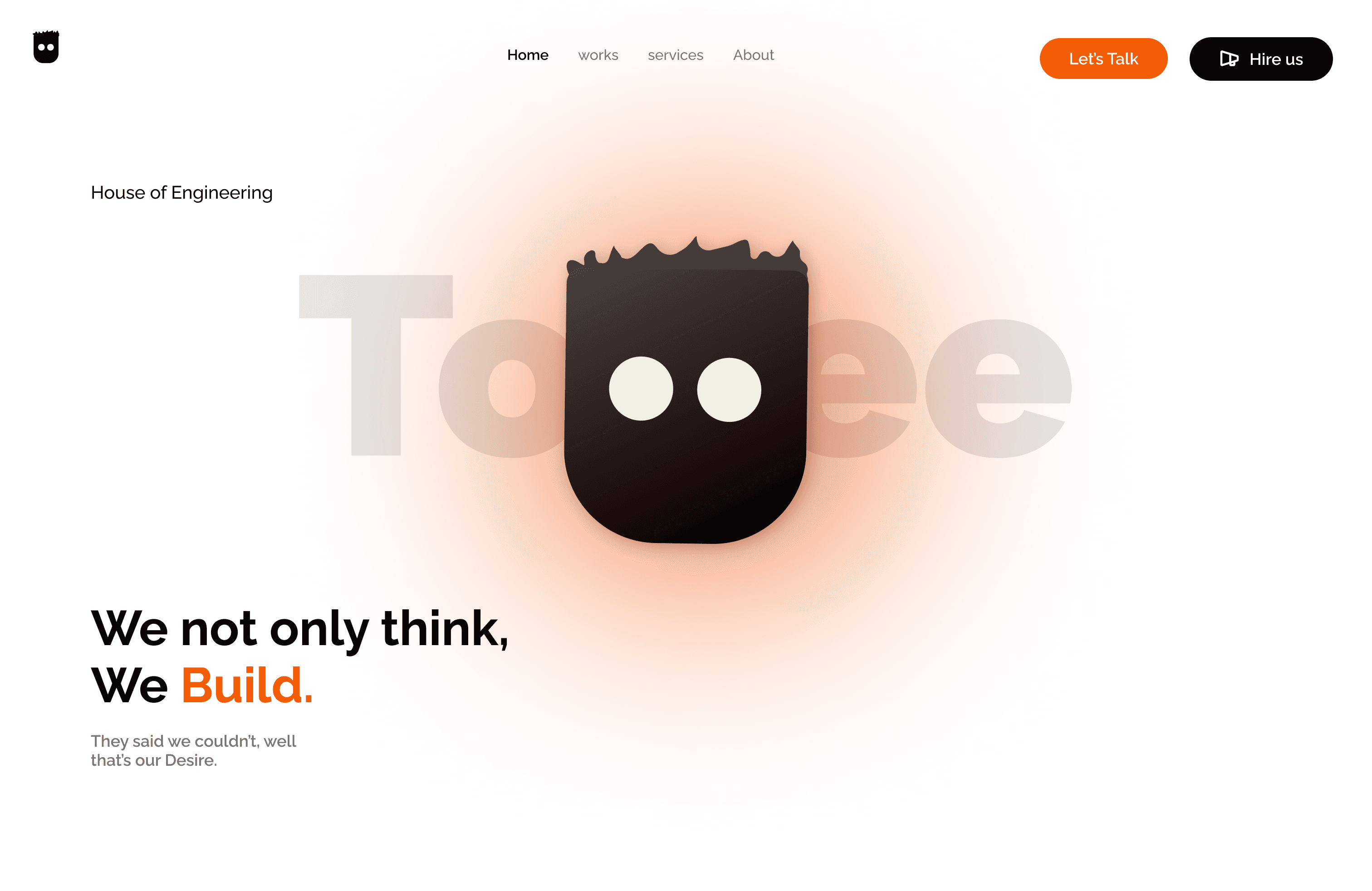
The website design emphasizes a minimalistic approach to integrating complex features and layouts into a single platform.
The website design emphasizes a minimalistic approach to integrating complex features and layouts into a single platform.
LOGO MOCKUP
LOGO MOCKUP
Toffee Logo
The logo presents a minimalistic design that is instantly recognizable as a toffee. An uneven cut on the top, combined with two eyes, gives it a lively and animated appearance.
The logo presents a minimalistic design that is instantly recognizable as a toffee. An uneven cut on the top, combined with two eyes, gives it a lively and animated appearance.
Software Selection
Software Selection
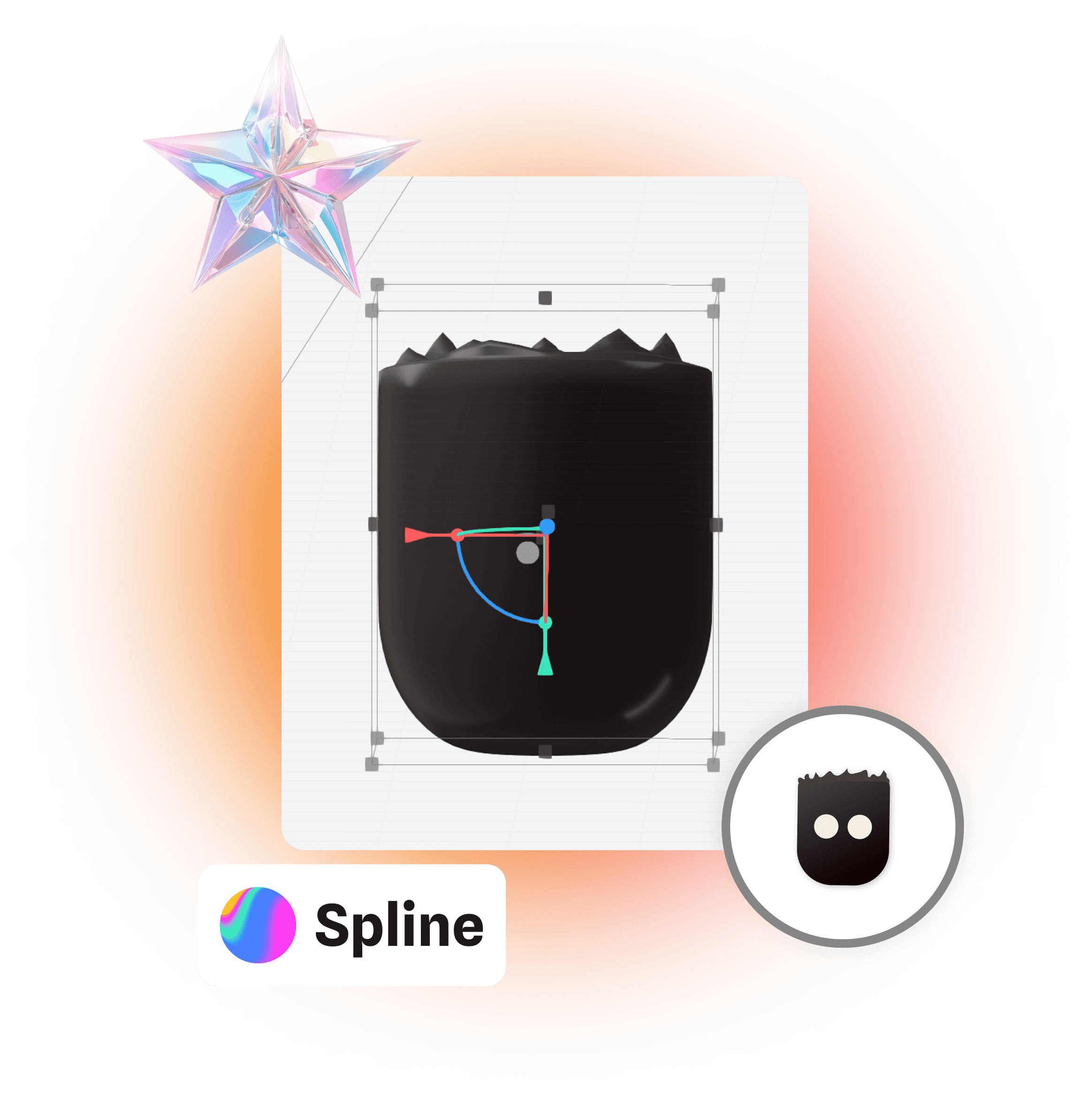
I was excited to explore a new 3D modeling software and discovered that Spline is making waves in the 3D product design industry.
I was excited to explore a new 3D modeling software and discovered that Spline is making waves in the 3D product design industry.
3D MODELLING
Why Spline?
Why Spline?
Spline features a simple UI that can be easily understood by designers with basic 3D modeling knowledge. It’s an ideal tool for converting logos into lively mascots with interactive elements like mouse tracking, making it perfect for this project.
Spline features a simple UI that can be easily understood by designers with basic 3D modeling knowledge. It’s an ideal tool for converting logos into lively mascots with interactive elements like mouse tracking, making it perfect for this project.
3D Modelling
3D Modelling
After hours of self-learning, I became familiar with the software and was impressed by how intuitive and user-friendly Spline makes the 3D modeling process.
After hours of self-learning, I became familiar with the software and was impressed by how intuitive and user-friendly Spline makes the 3D modeling process.
STEP 01
STEP 01
Sculpting
Using the toffee logo as a reference, a 3D model was created with a smooth surface to achieve a glossy, polished look, enhancing its visual appeal.
Using the toffee logo as a reference, a 3D model was created with a smooth surface to achieve a glossy, polished look, enhancing its visual appeal.
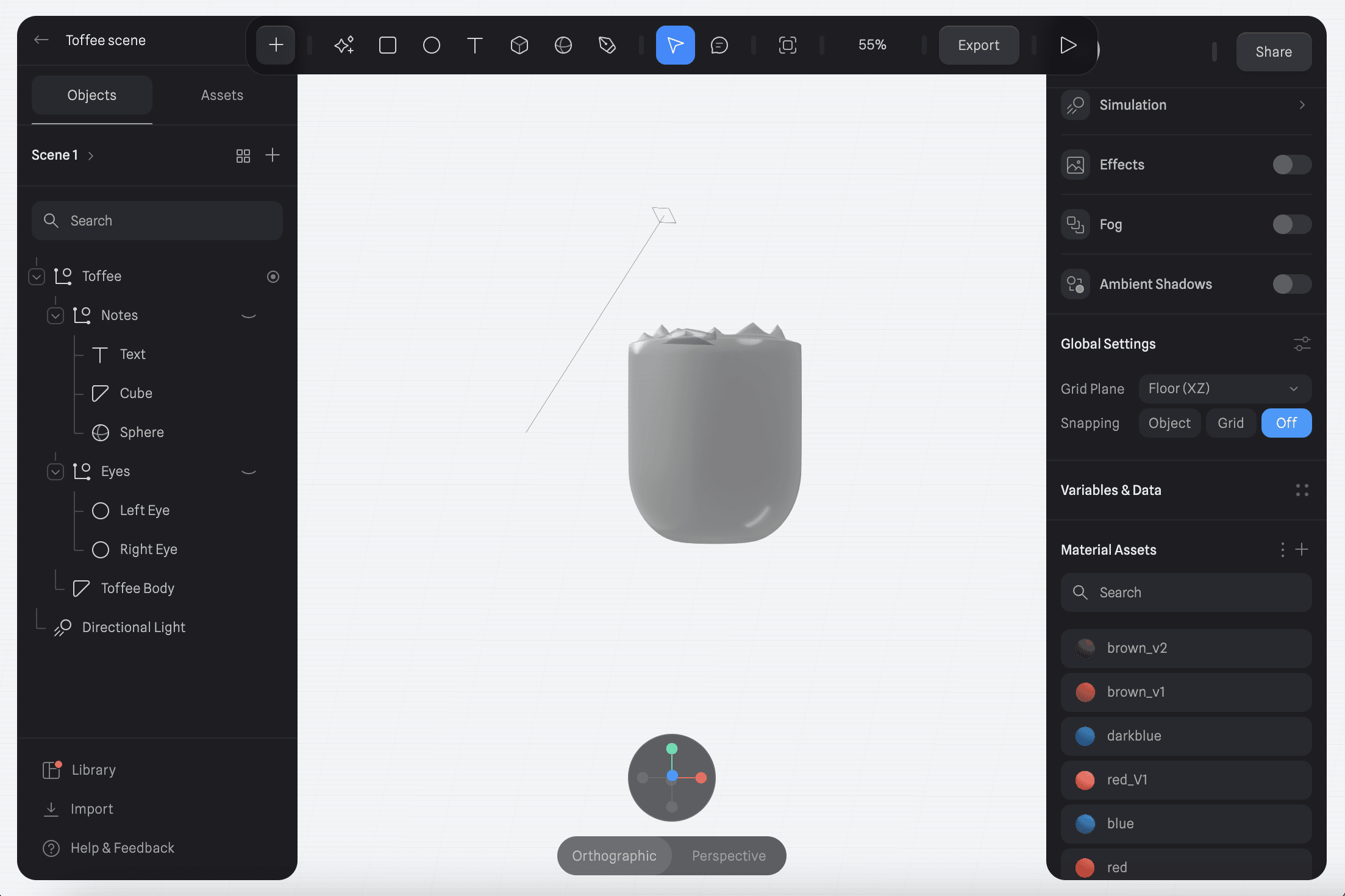
STEP 02
STEP 02
Texture
Using the toffee logo as a reference, a 3D model was created with a smooth surface to achieve a glossy, polished look, enhancing its visual appeal.
Using the toffee logo as a reference, a 3D model was created with a smooth surface to achieve a glossy, polished look, enhancing its visual appeal.
The 3D mascot was successfully created and can be integrated into any websites at ease.
The 3D mascot was successfully created and can be integrated into any websites at ease.
STEP 03
STEP 03
Mouse Tracking
A "Look At" event was added for the cursor along the Z-axis, anchored to the eyes, giving the mascot the appearance of following the cursor and creating an interactive, engaging effect.
A "Look At" event was added for the cursor along the Z-axis, anchored to the eyes, giving the mascot the appearance of following the cursor and creating an interactive, engaging effect.
Project Takeways
Project Takeways
This project was an amazing learning experience in 3D modelling and made me familiar with the Spline software.
This project was an amazing learning experience in 3D modelling and made me familiar with the Spline software.
01
3D modelling
The key takeaway from this project was learning sculpting basics, which will be invaluable for future 3D projects that require minor mesh corrections and refinements.

Proficiency in Spline
01
3D modelling
The key takeaway from this project was learning sculpting basics, which will be invaluable for future 3D projects that require minor mesh corrections and refinements.
Proficiency in Spline
01
3D modelling
The key takeaway from this project was learning sculpting basics, which will be invaluable for future 3D projects that require minor mesh corrections and refinements.
Proficiency in Spline
02
Graphic Designing
Another key takeaway was learning how to design a logo inspired by specific materials, effectively conveying the concept and message behind it.

Proficiency in Adobe illustrator
02
Graphic Designing
Another key takeaway was learning how to design a logo inspired by specific materials, effectively conveying the concept and message behind it.
Proficiency in Adobe illustrator
02
Graphic Designing
Another key takeaway was learning how to design a logo inspired by specific materials, effectively conveying the concept and message behind it.
Proficiency in Adobe illustrator
THANK
YOU.
THANK
YOU.